AugTV
AugTV is a TV-Browser plugin to
create and delete scheduled recordings for EyeTV. You setup or delete a scheduled
recording by right-clicking on the desired program:
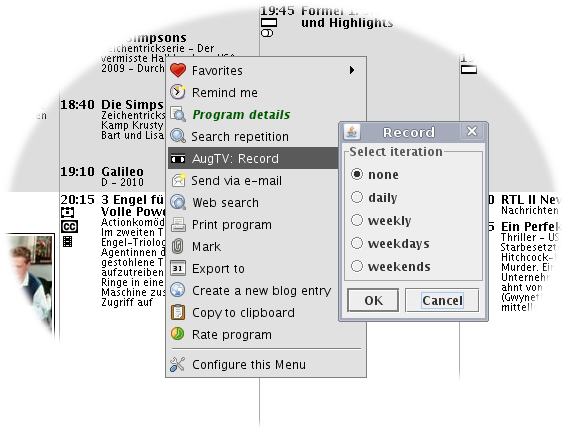
You might select whether a program should be recorded just once, daily,
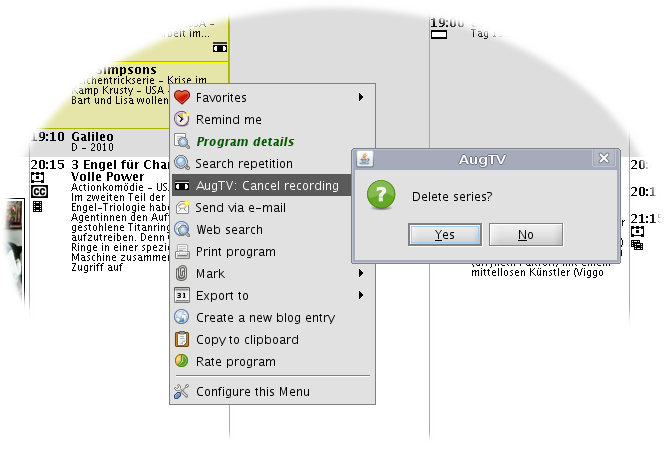
weekly, weekdays, or on weekends. If you delete a scheduled recording which
should not be recorded just once, AugTV wants you to confirm that deletion.
Installation
augtvd.app
augtvd.app is a helper application, which exports your EyeTV archive,
music, and movies via a webpage. It basically is an embedded webserver which
normally listens on port 8080. It has to be placed on your Mac which runs
EyeTV. A good place is your Applications folder. To start augtvd.app
when you log in, add it to your Login items:
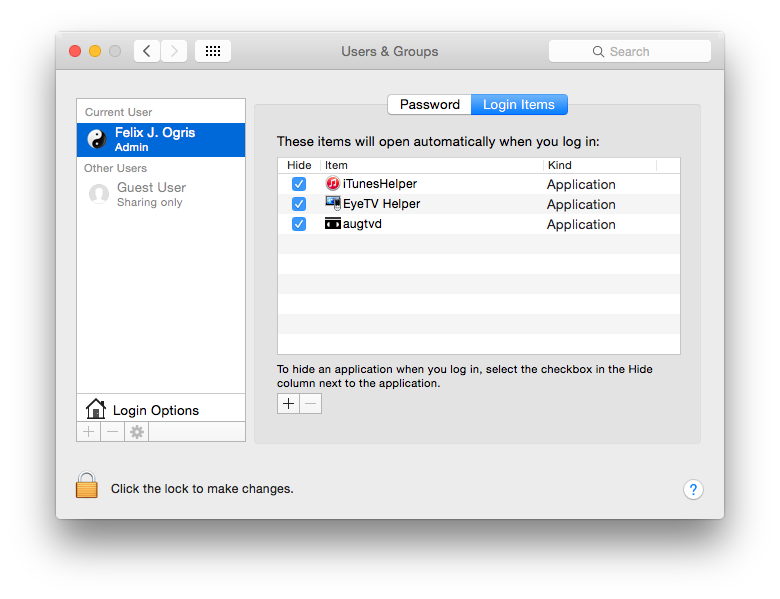
Augtvd.app automatically puts itself in a screen session which you can connect
to by entering screen in a terminal window. When augtvd.app is running,
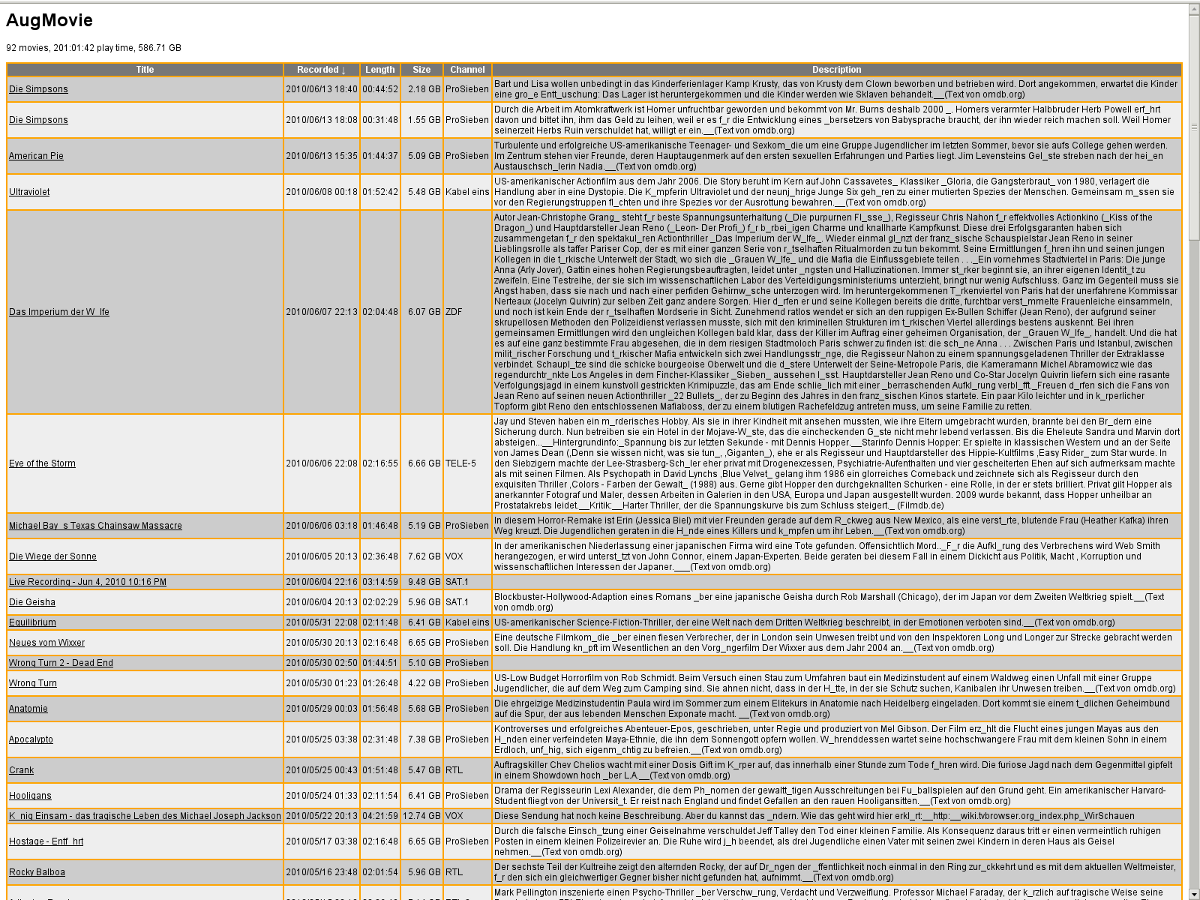
point your browser to http://IP_ADDRESS_OF_YOUR_MAC:8080/. A webpage
similar to this should appear (yep, I record and
watch to much TV stuff). On that webpage, rightclick on a desired program,
copy the link location, open your favorite video player (eg. VLC), paste and open that url in order
to watch the movie.
AugTV.jar
AugTV.jar is the actual plugin for TV-Browser. It communicates with
augtvd.app via http.
- Put AugTV.jar into the TV-Browser plugins' directory, which is
~/Library/Application Support/TV-Browser/plugins on a Mac and
~/.tvbrowser/$VERSION/plugins on a Unix/Linux machine
- Launch TV-Browser and open Plugins->Manage Plugins. Expand the
Plugins node and select AugTV
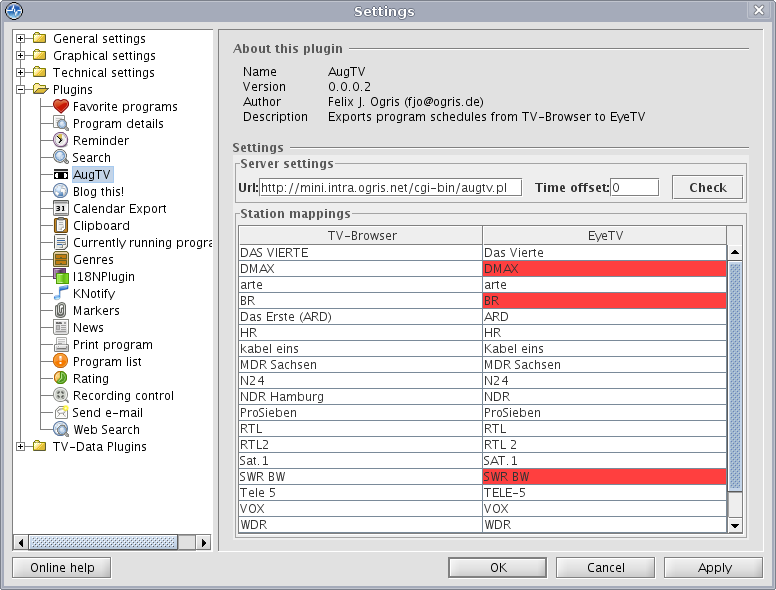
- Adjust the url to point to augtvd.app on your Mac, eg.
http://192.168.0.55:8080/. Click on Check and
Apply
- Happy recording!
Download
Source code
Username: svn, Password: svn